Waynautic AI Perf Agent
Perf Agent is an intelligent performance testing platform built by Waynautic. It automates the most time-consuming parts of the performance engineering lifecycle — from generating test scripts to executing tests, analysing results, and defining the non-functional requirements that guide your entire performance strategy.
Rather than stitching together separate tools, Perf Agent brings everything into one connected workspace. Teams working across BlazeMeter, GitHub, Azure DevOps, Jira, and Datadog can integrate all of them into Perf Agent and operate from a single interface.
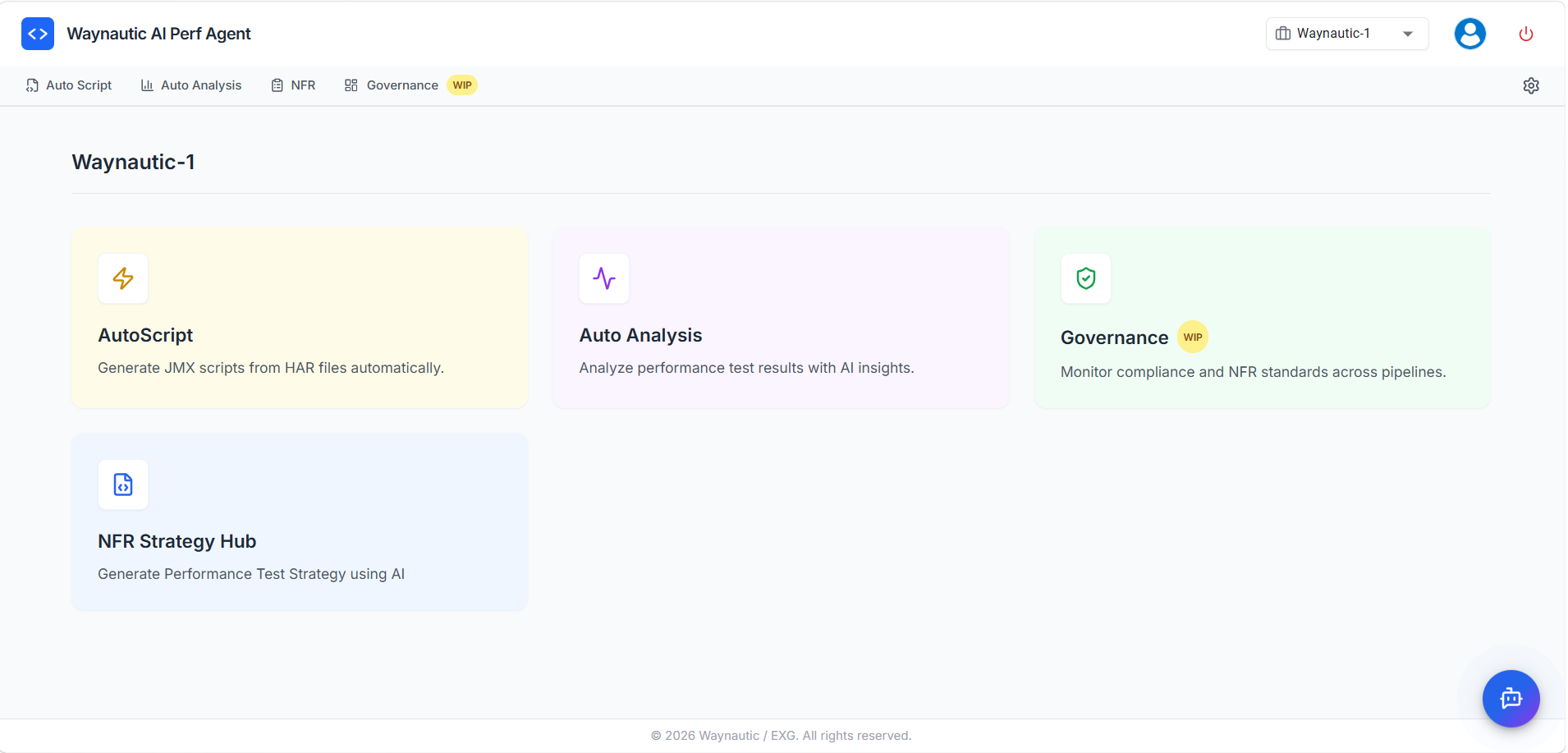
The Four Components
⚡ Auto Script
Auto Script generates a fully structured JMeter script (.jmx file) from two browser-recorded HAR files. Both HAR files are required — they capture the same user flow and together give Auto Script the data it needs to detect and correlate dynamic values accurately.
You select your application, upload both HAR files, and Auto Script handles correlation detection, timers, assertions, and parameterization. The generated script is a strong starting point — we recommend reviewing the correlation rules and adding any additional configuration (such as CSV Data Set configs, custom headers, or environment-specific parameters) before executing at scale in JMeter or BlazeMeter.
→ Get started with Auto Script
📊 Auto Analysis
Auto Analysis manages the full test execution and reporting cycle. Upload your JMX to BlazeMeter, trigger runs through a connected GitHub or Azure DevOps pipeline, monitor results inside Perf Agent, and automatically send result reports to stakeholders by email — all from one place.
You configure each application once — linking a JMX script, a GitHub repository, and your load parameters — and Auto Analysis handles workflow creation, BlazeMeter orchestration, and post-run reporting automatically.
→ Get started with Auto Analysis
📋 NFR Strategy Hub
The NFR Strategy Hub uses AI to generate a complete Non-Functional Requirements strategy for your application. It defines your SLAs, workload model, recommended test types, and performance thresholds — giving your team a documented baseline before testing begins.
→ Get started with NFR Strategy Hub
🛡️ Governance (Work in Progress)
Governance monitors compliance against your NFR thresholds across test pipelines. It tracks whether builds meet the standards defined in your NFR strategy and flags breaches — giving teams continuous visibility into performance compliance over time.
→ Documentation coming soon
The AI Chatbot
Every screen in Perf Agent includes a built-in AI chatbot. It can answer questions about your test build results, observations surfaced by Auto Analysis, your NFR thresholds and strategy, and how to use Auto Script. It has full context of what you are working on at any point in the platform.
→ Learn more about the AI Chatbot
How It All Fits Together
Record HAR (×2)
      ↓
  Auto Script  ──→  Generate JMX script
      ↓
 Auto Analysis ──→  Upload to BlazeMeter / Trigger Pipeline
                    Monitor Results → Email Report to Stakeholders
      ↓
NFR Strategy Hub ──→  Define SLAs, Workload Model, Thresholds
      ↓
  Governance   ──→  Monitor compliance across pipelines
Each component can be used independently, but together they cover the complete performance testing lifecycle from recording to reporting.
Global Settings
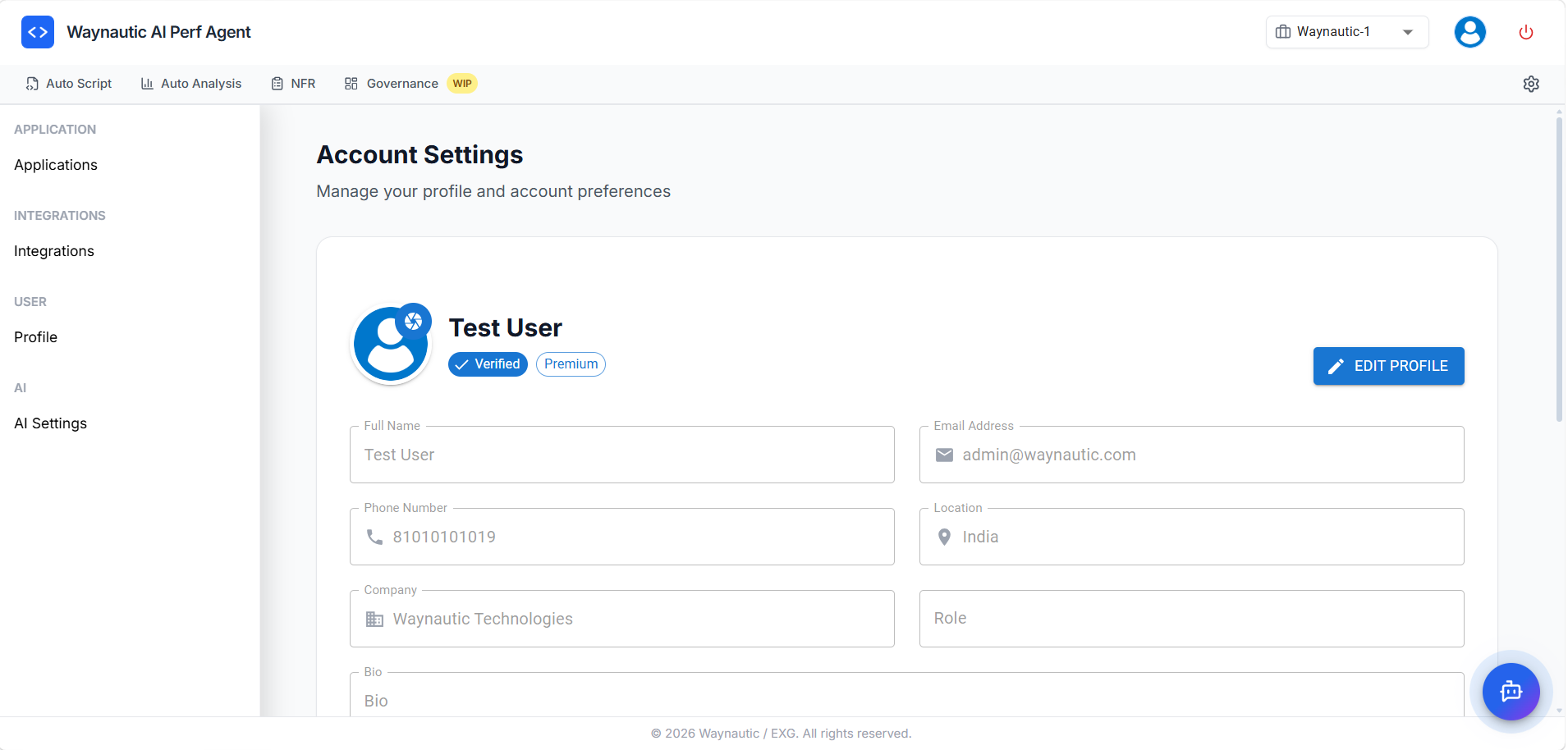
Perf Agent has a settings layer that applies across all four components. Access it from the settings icon in the top-right corner.
| Setting | What it controls |
|---|---|
| Applications | Add and manage the applications in your project. Applications added here appear in dropdowns across Auto Script, Auto Analysis, and NFR Strategy Hub. |
| Integrations | Connect external tools globally — GitHub, Azure DevOps, BlazeMeter, Jira, and Datadog. Once configured, these integrations are available to all components. |
| AI Settings | Configure the AI models that power the Chatbot. |
| Profile | Manage your user account details. |
Where to Start
If you are new to Perf Agent, start with the Auto Script Quick Start Guide. It is the entry point for most performance testing workflows and the fastest way to get hands-on with the platform.